Is your project solving a pain point that no other project is solving or is it solving a problem in a way better than others? If the answer is yes then read on.
Below are some of the things which I did to publicize my open-source projects on github. I have tried them on two of my recent projects and it has worked for both so thought of sharing it with you all here.
- Write a clear and concise README.
- Post it on Hacker News.
- Write about it on carefully chosen subreddits.
- Write a blog post about it on Medium, DZone, Dev.to, etc.
- Search Stackoverflow.com for problems that your project solves and try to answer the question mentioning your project along with a proper example and a disclosure stating that you’re the author of the project. You can have a look at one of my answers on Stackoverflow on AnimateScroll.
- There are various communities on Slack nowadays, you can post it there too.
README is the first impression of your project so I would request you to put a little extra effort in writing this and always place it at the root of your project. You can, of course, have links here to more elaborate documentation if you like. Please, put some examples showing how to use your project, starting with a simple example and then gradually moving to complex scenarios.
There is a section on Hacker News called “Show”. While posting your link, just add “Show HN:” before the title and it will be listed under the “Show” section. This is the place where people publish their creations and moreover, the audience here is tech savvy so it’s a must place to post your project link.
Reddit—the front page of the internet—has proven to be useful too. There are a gamut of subreddits and a decent number of folks are active in each of them. Posting about your project in strategically chosen subreddits would help a lot.
Writing a blog post about the project not only helps publicize your work but also helps developers to get started easily. You can write about different use cases in the blog post. Medium, DZone, Dev.to seem to be in trend nowadays.
It’s worth noting that the above practices would not only help publicize your project but it would also help you get feedback from other developers. You may start with 1-2 steps above and after getting some valuable feedback, you can follow the rest of the steps.
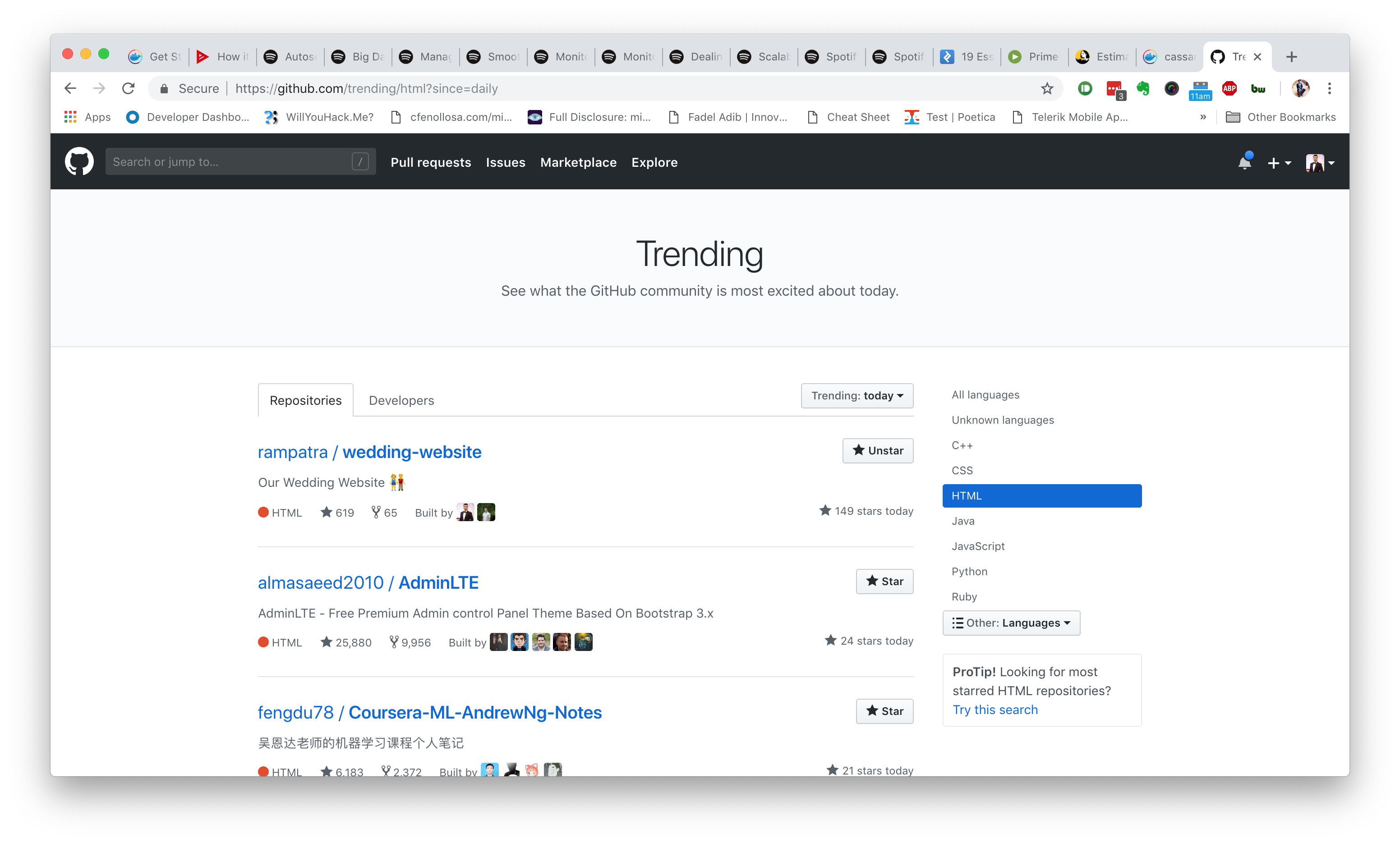
You can have a look at some of my projects, i.e, JBot, Wedding-Website, and Animatescroll. The documentation may not be the best but it’s able to articulate the purpose of the project. Wedding-website was even listed as the most trending project on Github for a week.
I hope my experience may help your project reach thousands of developers. Happy coding!